Start with your recipe.
Keep ingredients and directions editable. Import your own recipe from supported recipe websites, or write it directly.
MAKE COOKING VIDEOS? USE A MAC?
Bring editable recipes, shot planning, recording and video editing together in a studio built for cooking.
macOS 14 or later · Apple silicon and Intel · No purchase needed for Free
On your phone? Open recipeworks.studio/make-cooking-videos on your Mac to install.
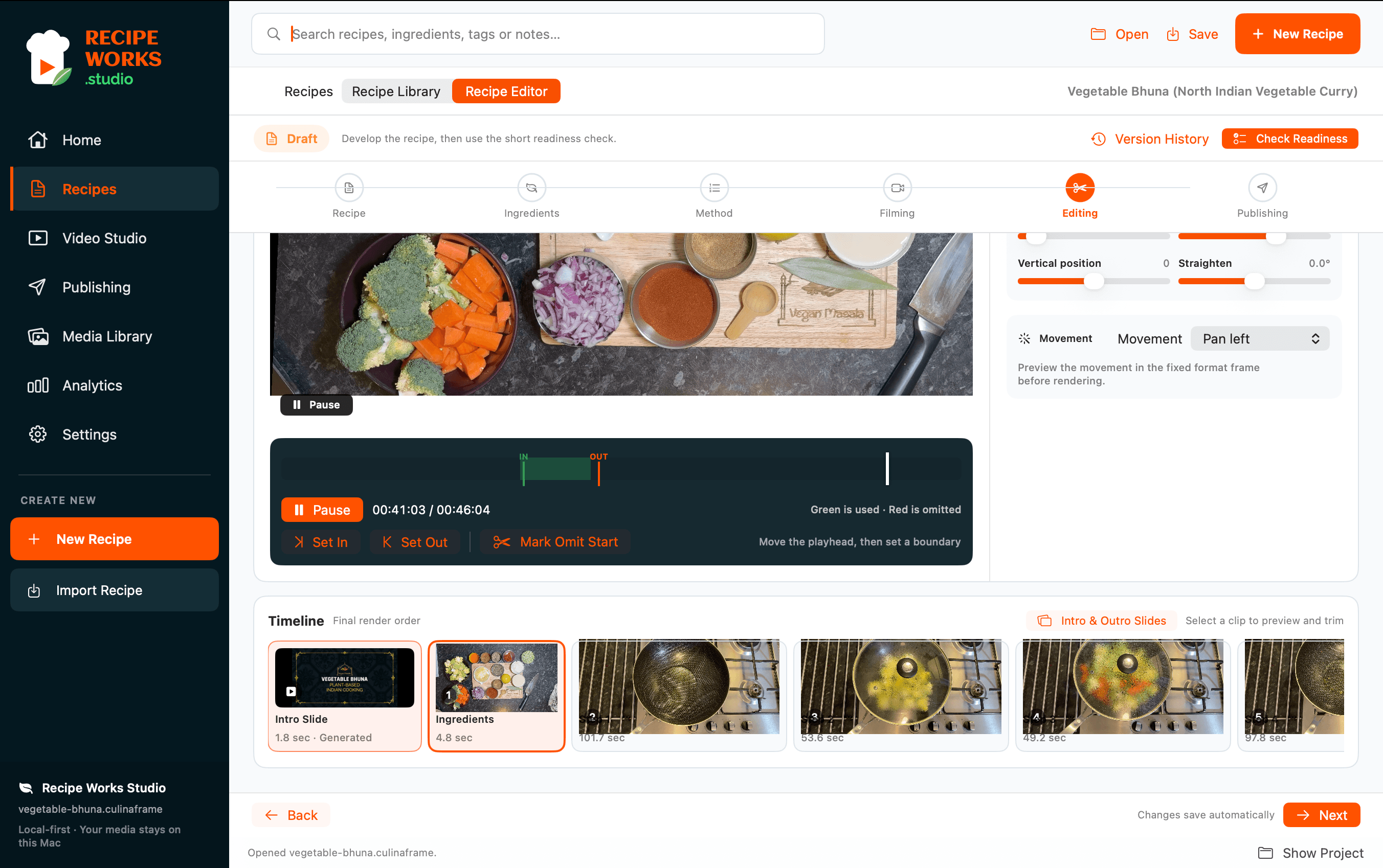
Your footage and edit decisions stay connected to your recipe.
Keep ingredients and directions editable. Import your own recipe from supported recipe websites, or write it directly.
Build your filming plan, record takes and organise footage around the cooking steps.
Choose takes and trim your footage. Lite and Pro add advanced editing, audio mixing and publishing packs.
WATCH THE REAL WORKFLOW
An introduction using real app screens and a current Recipe Works Studio export, from Craig, the creator of Vegan Masala.
The film shows an optional World Cuisine theme. Paid themes are separate purchases and do not change your edition’s export limits.
Follow the first-video guide →START SMALL. CHOOSE WHEN TO UPGRADE.
Three active projects, three recipe URL imports per month and two watermarked vertical exports per month.
Editorial Light, Studio Dark and Warm Table included.
Start free →Unlimited projects and unwatermarked exports. Advanced editing, voice-over, music and publishing packs. Vertical and square formats.
Compare payment options →Choose Lite monthly →Everything in Lite, all four formats and multiple aspect-ratio exports from one recipe.
Compare payment options →Choose Pro monthly →Prices include applicable tax. Monthly subscriptions renew until cancelled. Annual and buy-once options are available. World Cuisine themes: £4.99 each or £24.99 for all ten, paid once.
The current application is for Macs running macOS 14 or later. This is a desktop download, not an iPhone, Android or Windows app.
You record or import your own footage. Recipe Works Studio helps you plan, organise and edit it; it does not generate an AI cooking film.
You export finished files and upload them yourself. Direct social publishing is not included.
Projects and media stay in local folders you choose. Keep your own backups. Online licence verification and purchases are separate from your recipe content.
Follow the first-video guide or contact support@recipeworks.studio. Tell us where you got stuck; please do not send passwords or activation files.