Choose the right frame
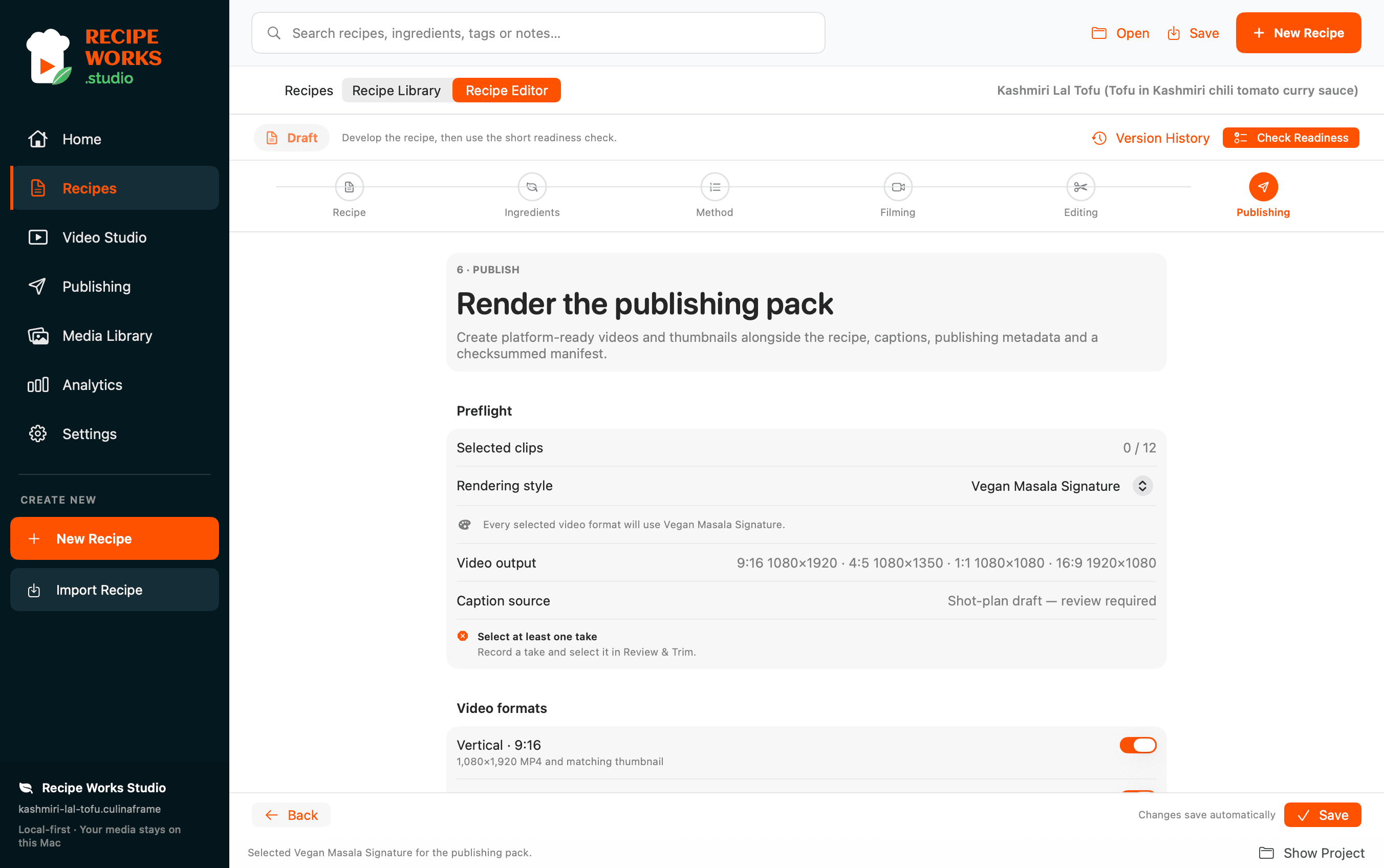
Prepare video outputs for 9:16, 4:5, 1:1 or 16:9 destinations, depending on your filming and editing choices.
 RECIPE WORKS STUDIO
PUBLISHING WORKFLOW
Turn your edited recipe project into files you can review and upload: finished video outputs, structured recipe content, captions and supporting publication assets.
Join early access ↗Prepare video outputs for 9:16, 4:5, 1:1 or 16:9 destinations, depending on your filming and editing choices.
Generate and review your publishing pack, which can include recipe HTML, caption files and supporting metadata alongside your video.
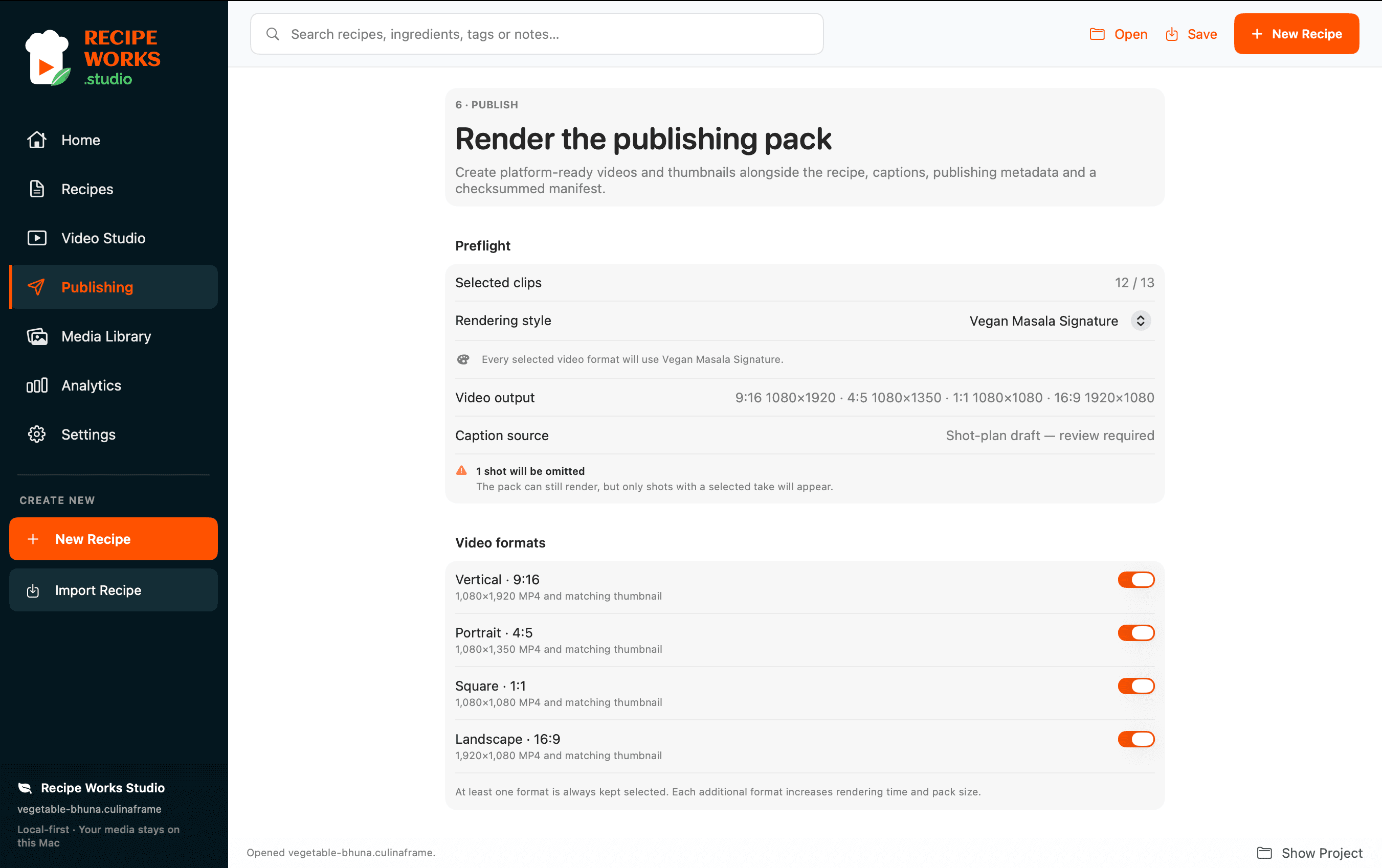
Use the platform-ready files for manual uploads to YouTube, Instagram, TikTok or your own website. The site does not claim direct social-account integration.
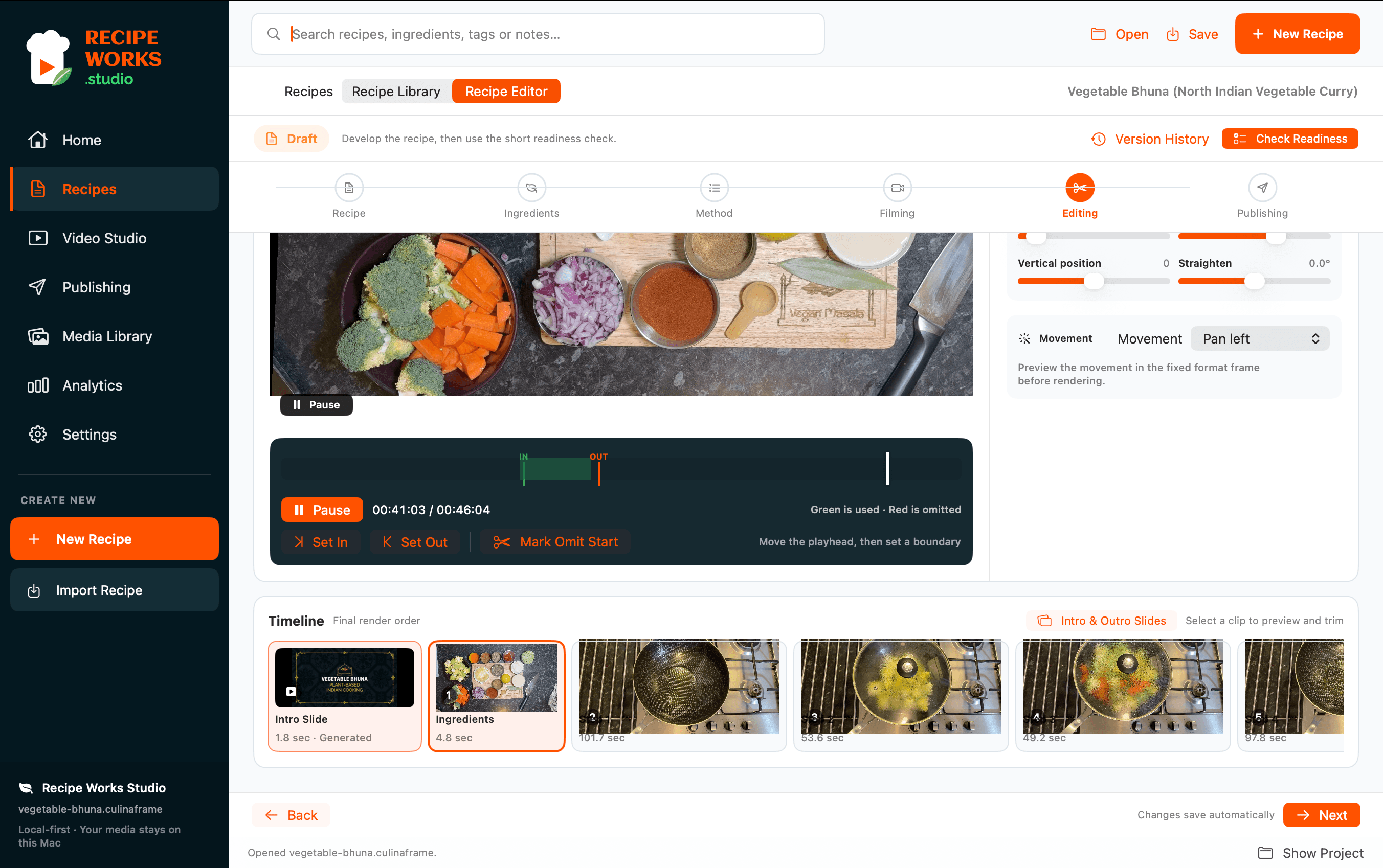
Export capabilities depend on the project and current application build. Direct uploads to connected social media accounts are planned, not available today.
Explore how recipes, filming, editing and publishing work together in Recipe Works Studio.
Explore Recipe Works Studio →